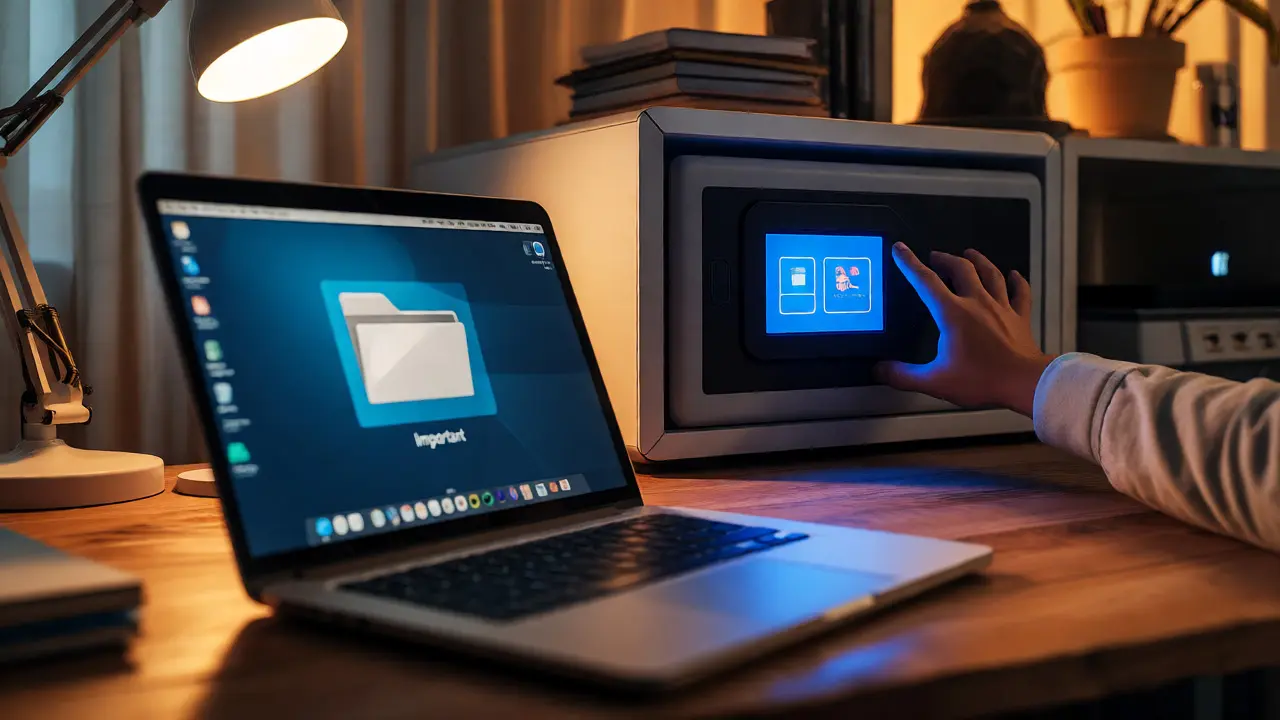
You probably have a folder on your desktop labeled "Important" or "Tax Docs." It feels safe because it's right there, under your thumb. But if your laptop is stolen tomorrow, does that folder stay private? If the cloud provider syncing it gets hacked next week, can they read what's inside? The uncomfortable truth is that most people store their most sensitive files in places that are convenient but not actually secure. We treat our digital lives like we treat our house keys: we toss them in a bowl by the door and hope no one notices.
Real security isn't about hiding files; it's about controlling who can unlock them and where those locked copies live. This guide breaks down exactly where you should keep your most critical documents-tax returns, medical records, legal contracts, and personal archives-and why the standard approach of "just use Dropbox" often fails when it matters most.
The Problem with Standard Cloud Storage
Most major cloud providers encrypt your data. That’s true. They use strong algorithms like AES-256 to scramble your files while they sit on their servers. But here is the catch: the provider holds the keys. To make features like search, preview, and instant sharing work, the service needs to be able to decrypt your files on its end. This means that while your data is protected from casual snooping, it is not protected from the company itself, nor from certain types of legal subpoenas or internal breaches.
If you rely solely on traditional cloud storage, you are trusting two things: the company's security team and the company's integrity. For non-sensitive photos, this is fine. For your social security number or unreleased business contracts, it’s a risk. If an employee has access to the decryption keys, or if the database leaks, your privacy evaporates. You need a model where the provider physically cannot see what you uploaded, even if they wanted to.
Why Client-Side Encryption Is Non-Negotiable
The gold standard for sensitive data is client-side encryption, also known as zero-knowledge architecture. In this setup, your files are encrypted on your device-your phone or computer-before they ever leave for the internet. The service receives only scrambled gibberish. They store it, serve it back to you, but never hold the key to unlock it.
This shifts the responsibility to you, which sounds scary but is actually empowering. If you lose your password, the provider can’t reset it for you because they don’t know it. You must manage your recovery keys carefully. But in exchange, you get true confidentiality. Even if the server room is breached, the hackers walk away with useless data. When looking for a place to store sensitive docs, ask yourself: Does the provider have the ability to read my files? If the answer is yes, it’s not fully secure for your most private information.
Location Matters: Decentralized Storage vs. Central Servers
Once your files are encrypted, where do they go? Traditional clouds store your data on massive, centralized servers owned by one company. If that company goes bankrupt, changes its terms of service, or suffers a catastrophic outage, your access is compromised. This is a single point of failure.
A more resilient approach uses decentralized storage. Instead of relying on one corporate data center, your encrypted chunks are distributed across a network of independent nodes. This technology ensures that no single entity controls the physical hardware holding your bits. It makes censorship difficult and downtime rare.
Some advanced services take this further by anchoring metadata on blockchain networks. This doesn't mean your whole file is on the blockchain (which would be too expensive), but rather that the location and integrity of your file are recorded immutably. This creates a permanent record that survives even if the original hosting platform disappears. It’s a form of insurance against the volatility of tech companies.

Access Control: Who Gets In and When?
Storing files securely is half the battle. Controlling access is the other half. Traditional folders allow you to share a link with anyone who has the URL. That’s weak. What happens if you want to give your accountant access to a tax document, but only for three days? Or what if you want to ensure your partner can access your emergency contacts if you’re unreachable for a week due to travel or illness?
This is where conditional access comes in. Modern solutions allow you to set triggers. You can define conditions such as time-based expiry, inactivity windows, or manual approval. This concept, often called conditional delivery, lets you grant temporary access to specific files without handing over full account control. Recipients receive a unique, encrypted key that works only for that specific file and condition. It’s granular, auditable, and reversible.
| Feature | Traditional Cloud (e.g., Drive/Dropbox) | Encrypted Local Drive | Zero-Knowledge Digital Vault |
|---|---|---|---|
| Encryption Key Holder | Provider (mostly) | User | User Only |
| Privacy Level | Medium (Provider can access) | High (Offline risk) | Very High (End-to-end) |
| Accessibility | Excellent | Poor (Device dependent) | Good (Web/Mobile) |
| Disaster Recovery | Good (Centralized redundancy) | Poor (Single copy risk) | Strong (Distributed nodes) |
| Sharing Control | Link-based (Static) | N/A (Manual transfer) | Conditional & Time-bound |
Building a Robust Digital Vault Strategy
So, how do you implement this? You don’t need to become a cryptography expert, but you do need to move beyond simple folders. Think of your sensitive data strategy as building a digital vault: a space that combines strong encryption, reliable storage, and smart access rules.
Here is a practical framework:
- Classify Your Data: Not everything needs military-grade protection. Separate "Public" (social media photos) from "Private" (taxes, IDs) from "Secret" (crypto keys, legal drafts).
- Encrypt Before Upload: Use tools that handle client-side encryption automatically. If a service asks for your password to "sync," check if it’s just for authentication or if it’s used for decryption. Zero-knowledge services use the latter.
- Diversify Storage Locations: Don’t put all eggs in one basket. Use a mix of local encrypted drives and cloud-based zero-knowledge services. This protects against both local theft and remote outages.
- Set Access Rules: Define who can see what. Avoid generic "share links." Look for services that offer per-file permissions and expiration dates.
For many users, managing these layers manually is tedious. This is where specialized services come in. Vaulternal, for instance, builds its entire architecture around these principles. It uses client-side AES-256-GCM encryption, ensuring files are scrambled before leaving your device. Crucially, it leverages decentralized infrastructure using Arweave and IPFS, meaning your data isn’t trapped on a single company’s server. If you want to dive deeper into how this technical stack translates to real-world safety, read the full breakdown of the most secure way to store documents.
Three Questions to Ask Any Provider
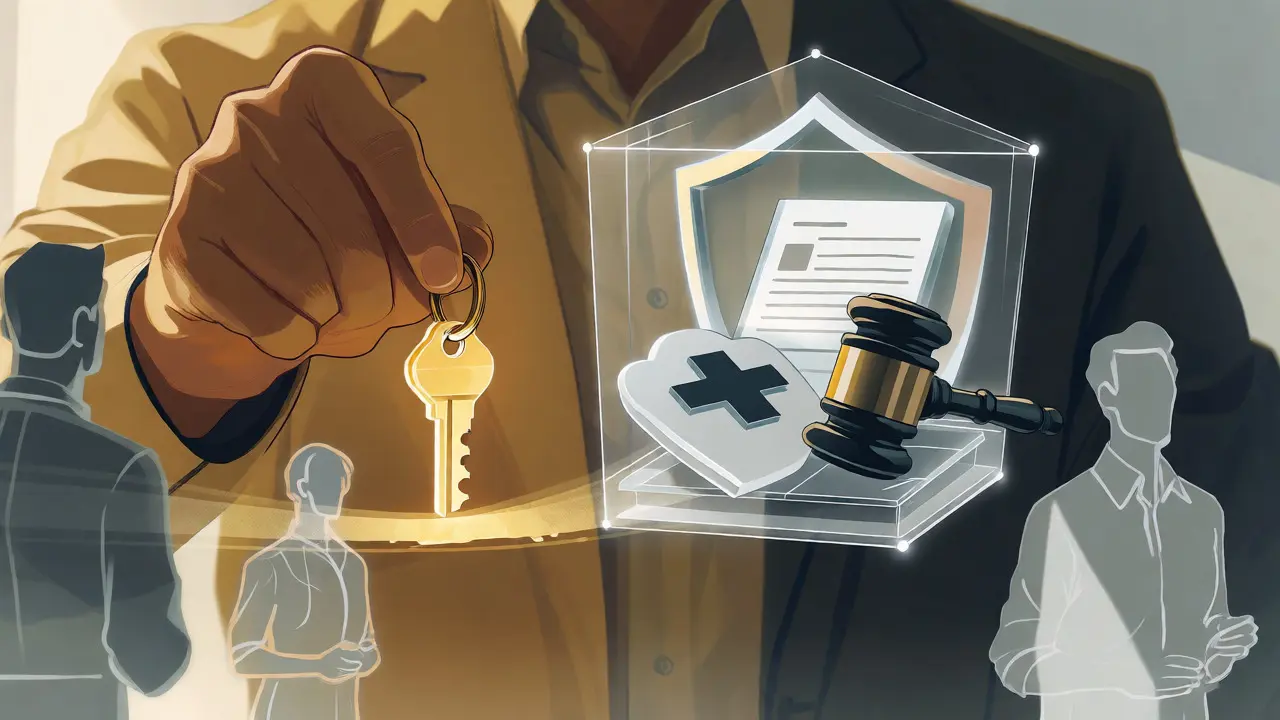
Before you upload your birth certificate or passport scan to any new service, ask these three questions. If the answers aren't clear, look elsewhere.
- Who holds the encryption keys? If the provider says they can recover your password by emailing you a reset link, they likely hold the keys. True zero-knowledge providers will say, "We cannot recover your password; you must use your recovery key."
- Where is the data stored? Is it on proprietary servers in one country, or is it distributed? Distributed storage reduces the risk of a single jurisdiction or company failure affecting your access.
- How granular is the access control? Can you share a single file with an expiration date? Can you revoke access instantly? Can you audit who opened the file? Basic folders often fail here.
Practical Steps to Secure Your Files Today
You don’t need to overhaul your life overnight. Start small. Identify the top ten most sensitive files you currently own. These are usually identity documents, financial statements, and legal agreements. Move them out of your general cloud sync folder. Create a dedicated, encrypted container or use a zero-knowledge service specifically for these items.
Next, test your recovery process. Generate a recovery key, print it, and store it in a fireproof box at home. Do not save the recovery key in the same cloud account it protects. Finally, review your sharing habits. Stop sending sensitive PDFs via email attachments, which are often unencrypted in transit and stored in plain text on multiple servers. Use secure, expiring links instead.
Security is not a product you buy once; it’s a habit you maintain. By shifting from convenience-first storage to security-first architecture, you gain peace of mind. You know that whether it’s a hacker, a curious employee, or a server outage, your most important files remain yours alone.
What is the difference between client-side and server-side encryption?
Client-side encryption means your files are encrypted on your device before being uploaded, so the service provider never sees the plaintext or holds the decryption key. Server-side encryption means the provider encrypts the data after receiving it, typically using keys they manage. This allows for easier recovery but less privacy, as the provider can technically access your data.
Is decentralized storage safer than cloud storage?
Decentralized storage offers different benefits. It eliminates single points of failure, making it resistant to censorship and company bankruptcy. However, "safer" depends on the implementation. When combined with client-side encryption, decentralized storage provides high resilience and privacy. Traditional cloud storage may offer better speed and integration but requires trust in the provider's security practices.
Can I still search my files in a zero-knowledge vault?
Yes, but the method differs. Since the provider cannot read your file contents, search is often done locally on your device after downloading the encrypted index, or via encrypted search protocols. Some services offer basic filename searching since filenames might be encrypted separately or indexed in a way that preserves privacy while allowing retrieval.
What happens if I forget my master password?
In a true zero-knowledge system, the provider cannot reset your password because they don't know it. You must rely on a pre-generated recovery key or seed phrase. This is why storing your recovery key offline and securely is critical. Without it, your data may be permanently inaccessible.
Are passwords stored in the same place as documents?
Ideally, no. Password managers are optimized for small, frequent-access secrets and often use different synchronization mechanisms. Documents require large storage capacity and different access patterns. Keeping them separate reduces the blast radius if one system is compromised. However, some integrated vaults offer both, provided they maintain strict encryption standards for each type of data.